
Registering for a BCACC workshop can sometimes raise a few questions—especially if you’re new to our system or registering on behalf of someone else.
This page answers some of the most common questions about registration, including how to enter your membership number, access student pricing, and troubleshoot registration issues. If you don’t find what you need here, our team is always happy to help.
Typically your member number won’t work because there is a space beside it.
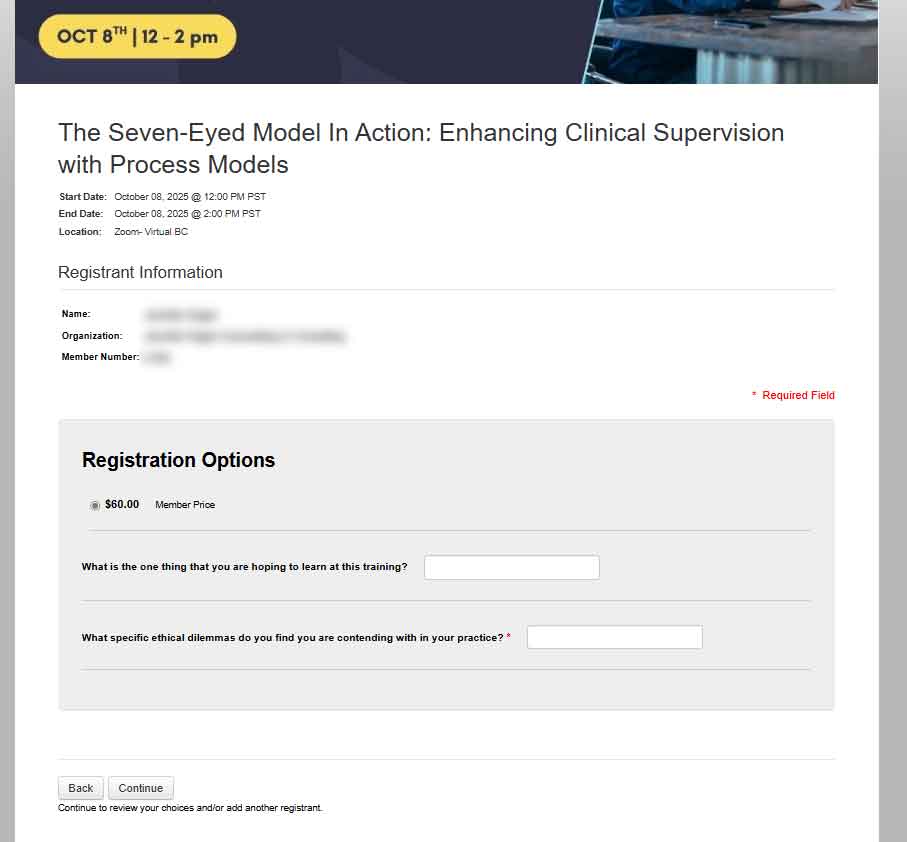
If you do not log in through our BCACC Members Portal, you will not see any of the member pricing or content.
Check out the answer above that shows how to log in as a member – and the you’ll see the member content and pricing:

When you are logged in to eConnect, there is a list of icons on the left-hand side that are quick links to your profile, activities, courses and receipts. Click on the third one down to view your orders and to print the receipts.

Typically you’ll have access for one year from the time of purchase. But sometimes we have different arrangements with our presenters.
Before you purchase a course, it will show you how long you will get access for.
Once you are within each course – there is a date that shows up at the top of the screen. That is the expiration date.

When you have finished a course, the certificate will be available for download on the course page. You can navigate to it from your profile > my courses – and then click on the certificate download. Or you can access the certificate right from that profile drop-down.
